


5 Benefits of Upgrading Your WMS (Instead of Replacing It)
Sep 10th, 2026
WMS Upgrade Benefits: Why Upgrading Beats Starting Over
For most multi-facility operations that already run a capable WMS, the decision facing Operations and IT leaders this year isn’t which new system to select. It’s how to get more out of the platform they have.
That reflects the market these leaders are already operating in. In the 2026 Software/Automation Outlook survey from Peerless Research Group, conducted for Modern Materials Handling, 62% of companies said their most recent WMS upgrade replaced an existing platform rather than kicking off a new selection process. Total cost of ownership ranked as the top adoption challenge companies report, cited by 32% of respondents, ahead of compatibility issues, user acceptance, and integration effort.
An upgrade means moving your current WMS to a newer version, or extending it with new modules, on the same underlying platform and data model you already run. A replacement means selecting a new system entirely, which resets integrations, configurations, and user training from the ground up. The gap between those two paths is where WMS upgrade benefits live.
Longbow Advantage works across Blue Yonder, Infor, and Softeon environments, which puts us in these conversations regardless of which platform a customer runs. The five benefits below apply whether you’re on a legacy on-premise deployment or a recent cloud release.
Benefit 1: Lower Total Cost of Ownership Than a Full WMS Re-Implementation
A WMS replacement means re-buying software licenses, rebuilding every integration to your ERP, transportation management system, and automation controllers, and re-validating configurations your team already tuned over years of operation. An upgrade keeps that foundation in place. You’re extending or modernizing what’s already integrated and understood, not resetting the cost clock.
That’s consistent with what operations leaders report industry-wide: total cost of ownership is the single most cited adoption challenge in the 2026 Peerless Research Group survey. Upgrading, including moving an on-premise deployment to a SaaS model, avoids resetting that cost structure. For operations trying to reduce WMS total cost of ownership without pausing the business to do it, an upgrade is usually the more direct path.
Benefit 2: Faster Time-to-Value and Less Retraining
Your team already knows the screens, the shortcuts, and the exception-handling steps built into your current WMS. An upgrade preserves that knowledge: super users need to learn what changed, not relearn how to do their jobs. A full replacement asks warehouse staff to learn an entirely new system while still hitting throughput targets, which carries more retraining and change-fatigue risk than an upgrade typically does.
Longbow’s teams include former warehouse operators who plan upgrade rollouts around actual shift patterns and peak-season blackout windows instead of around a generic project timeline. That’s part of what shortens time-to-value on an upgrade compared to a multi-year selection-and-implementation cycle.
Benefit 3: WMS Modernization for Automation, Robotics, and Labor Management
Older WMS versions often can’t connect to current automation controllers, AMR fleets, or labor management modules at all, which locks an operation out of capabilities that could otherwise reduce travel time and improve pick accuracy. Upgrading closes that gap without touching the rest of the operation.
The data backs up how central this is to why companies upgrade. In the same Peerless Research survey, improved labor management (29%) and inventory deployment (28%) ranked among the top reasons companies upgraded their WMS this year, close behind replacing an aging platform outright. Robotics and AMR orchestration, task interleaving, and real-time labor tracking are largely current-version features. Running five, ten, or fifteen years behind, which describes 32% and 14% of survey respondents respectively, usually means running without them.
Interest in AI within these systems is climbing too: 26% of companies reported using AI in their materials handling software this year, up from 19% in 2025. Whatever your appetite for that specific capability, the pattern holds. A current WMS version is what makes modern capabilities available in the first place.

Benefit 4: Reduced Security, Compliance, and Vendor-Support Risk
Every WMS vendor eventually stops patching older versions. Once that happens, known vulnerabilities stay open, and integrations with newer ERP and TMS releases stop being guaranteed. That’s the exposure behind staying on an aging WMS version for too long.
Upgrading keeps you inside your vendor’s supported version window, so patches, modern authentication standards, and encryption keep pace with the threats your IT and security teams are already managing everywhere else in the stack. It also keeps your integrations with adjacent systems compatible as those systems get upgraded on their own schedules. For IT leaders building the case for an upgrade, this argument often resonates furthest outside the warehouse: keeping a WMS current is the same discipline IT already applies to every other system on the network.
Benefit 5: A Lower-Risk, Better-Governed Change Than Rip-and-Replace
A WMS replacement is a large, high-variable project: new requirements gathering, a full vendor selection, data migration, integration rebuilds, and a cutover that has to work the first time. Each step introduces its own risk of scope creep, missed requirements, or a go-live that doesn’t match how the warehouse actually runs.
Large system replacements carry that risk industry-wide, not only in warehouse operations. Gartner research predicts that by 2027, more than 70% of recently implemented ERP initiatives will fail to fully meet their original business goals, with as many as 25% failing catastrophically. WMS replacements share the same profile: a single large project with a long list of dependencies and one shot at cutover.
A phased upgrade breaks that same scope into stages a team can actually resource, test, and roll back if something doesn’t go as planned. Longbow’s SMEs bring disciplined change control, clear documentation, and solution designs built for long-term maintainability to every upgrade, so IT gets governance without absorbing replacement-level risk to get it.
WMS Upgrade vs. Replace: When Replacing Is Actually the Right Call
Upgrading is the stronger option in most cases, but not always. Replacement is the right call when a vendor is exiting the market or has announced true end-of-life for the platform with no supported upgrade path forward. It’s also the right call when a WMS’s underlying architecture can’t support how your business operates today (a single-site system trying to run a multi-facility, multi-channel network it was never built for, for example). Heavily customized systems that can no longer be upgraded without rebuilding those customizations from scratch fall into the same category, as do cases where the business itself has changed enough, through a merger, a new fulfillment model, or a shift to a different automation strategy, that the original system design no longer fits the operation it’s supporting.
None of that is common, which is why an assessment, rather than a default toward either option, is the right first step.

How Longbow Advantage Delivers Upgrades With Minimal Disruption
The WMS upgrade benefits above are only real if the upgrade itself goes smoothly. Longbow Advantage approaches upgrades the way operators would: our teams include former warehouse operators, super users, and practitioners who understand the floor a WMS is meant to run, and that background shapes how we scope and sequence an upgrade around actual shift patterns and peak-season constraints.
We work across four upgrade paths depending on where an operation is starting: moving to the latest version of the current platform, migrating from on-premise to SaaS, moving a legacy deployment to the cloud, or extending an existing WMS with new functionality. Across all four, our approach draws on 25+ years of implementation expertise across Blue Yonder, Infor, and Softeon environments, applied with the same disciplined change control and documentation practices IT teams need for long-term maintainability.
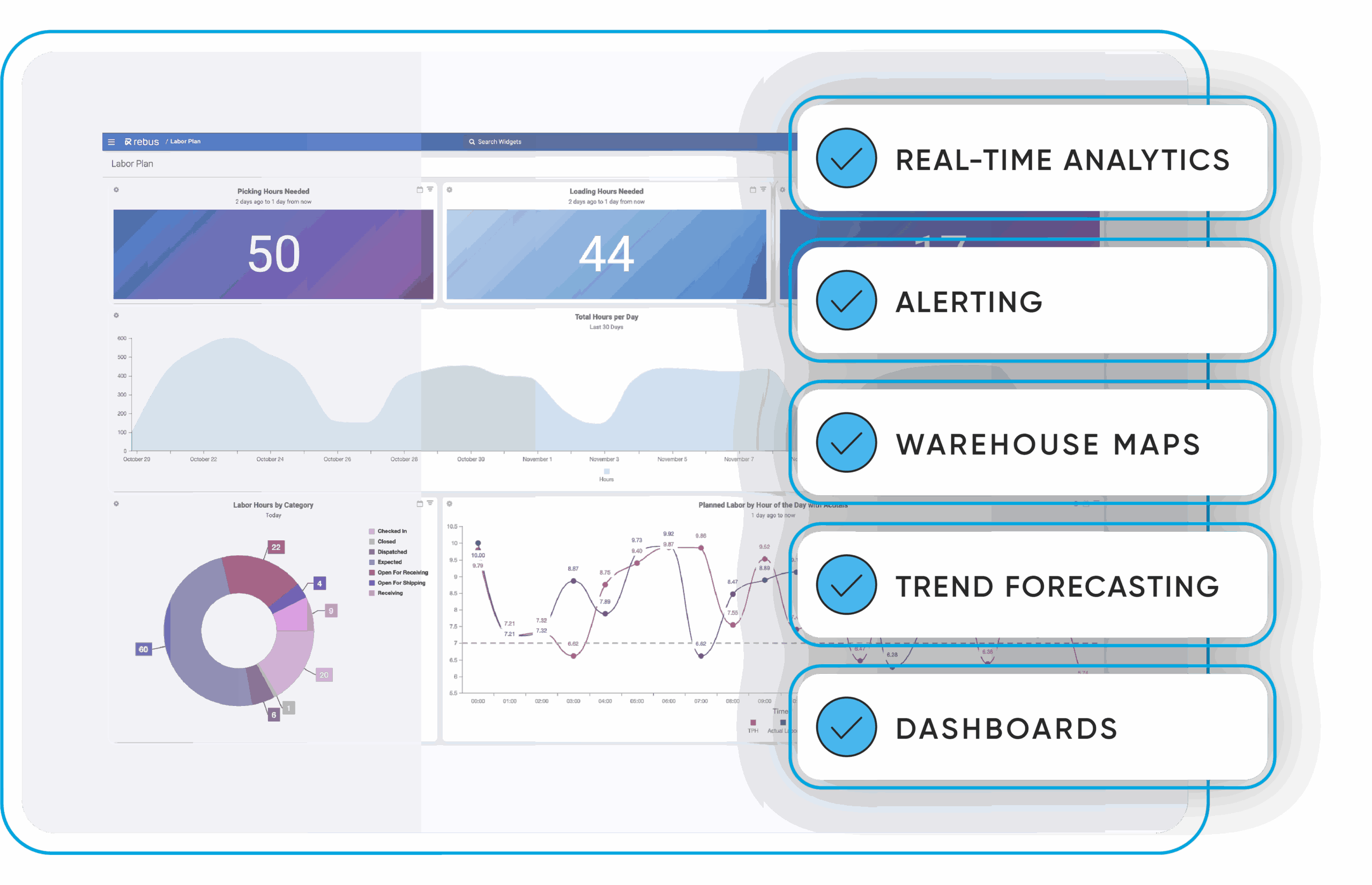
Once an upgrade goes live, Rebus, our real-time performance intelligence platform, can give Operations and IT shared visibility into labor, throughput, and system stability before, during, and after go-live, so both teams are watching the same numbers instead of reconciling two different views of how the transition is going.
If you’re weighing a WMS upgrade against a full replacement, the fastest way to get a straight answer for your specific environment is an upgrade assessment with Longbow Advantage.
Frequently Asked Questions About WMS Upgrades
Is it cheaper to upgrade or replace a WMS?
In most cases, yes. An upgrade reuses the integrations, hardware, and process design already built and validated, while a replacement resets that investment and adds a new licensing and implementation cost stack on top. Total cost of ownership is the top adoption challenge companies report, which is exactly the cost an upgrade path is built to avoid resetting.
How long does a WMS upgrade take compared to a new implementation?
There’s no single number that applies across every environment, since scope depends on how many modules, integrations, and facilities are involved. What’s consistent is the reason upgrades typically move faster: they build on infrastructure, integrations, and trained users that already exist, rather than starting a multi-year selection-to-go-live cycle from a blank page. An upgrade assessment is the fastest way to get a specific timeline for a given environment.
Will a WMS upgrade disrupt my daily warehouse operations?
It shouldn’t, if it’s planned around the operation rather than a generic project template. A phased upgrade, sequenced around actual shift patterns and peak-season blackout windows, is what separates a WMS upgrade with minimal disruption from one that fights the operating calendar.
Can I add robotics or automation without replacing my WMS?
Often, yes, as long as the current WMS version supports the integration. Automation and AMR orchestration, task interleaving, and labor management are largely current-version capabilities, which is one of the most common reasons operations upgrade rather than replace.
How often should I upgrade my WMS?
There’s no fixed interval, but industry data offers a useful benchmark. In the 2026 Peerless Research Group survey, 32% of companies had run their WMS for five to ten years and 14% for fifteen years or more, while only 5% had never upgraded at all. Vendor support windows, not a calendar date, are the more reliable trigger. Once a version approaches end-of-support, that’s the signal to plan an upgrade.
What’s the risk of staying on an unsupported, legacy WMS version?
Unsupported versions stop receiving security patches, leaving known vulnerabilities open, and they gradually lose compatibility with the newer ERP, TMS, and automation systems around them. That combination turns a WMS upgrade decision into a security and integration decision at the same time.
Does Longbow Advantage only handle Blue Yonder WMS upgrades?
No. Longbow is vendor-agnostic and handles WMS upgrades across Blue Yonder, Infor, and Softeon, along with other enterprise WMS, WES, and automation platforms.